Colour Peg - Code Breaking Game
Test your logic and deduction skills with CODEGYM, a challenging Mastermind-style puzzle game for Chrome.
Get Started
Test your logic and deduction skills with CODEGYM, a challenging Mastermind-style puzzle game for Chrome.
Get Started
Choose from Easy, Normal, Expert, and Wizard modes. Each level offers different challenges with varying code lengths and attempt limits.
Add an extra level of challenge with optional timer mode. Track your fastest completion times and compete against yourself.
Keep track of your best attempts and fastest times for each difficulty level. Your progress is saved locally in your browser.
Personalize your gaming experience with customizable LED color themes and an optional neon mode for enhanced visuals.
Review your last five game attempts to learn from your strategies and improve your code-breaking skills.
All game data is stored locally on your device. No data collection, no tracking, no external servers. Your privacy is protected.
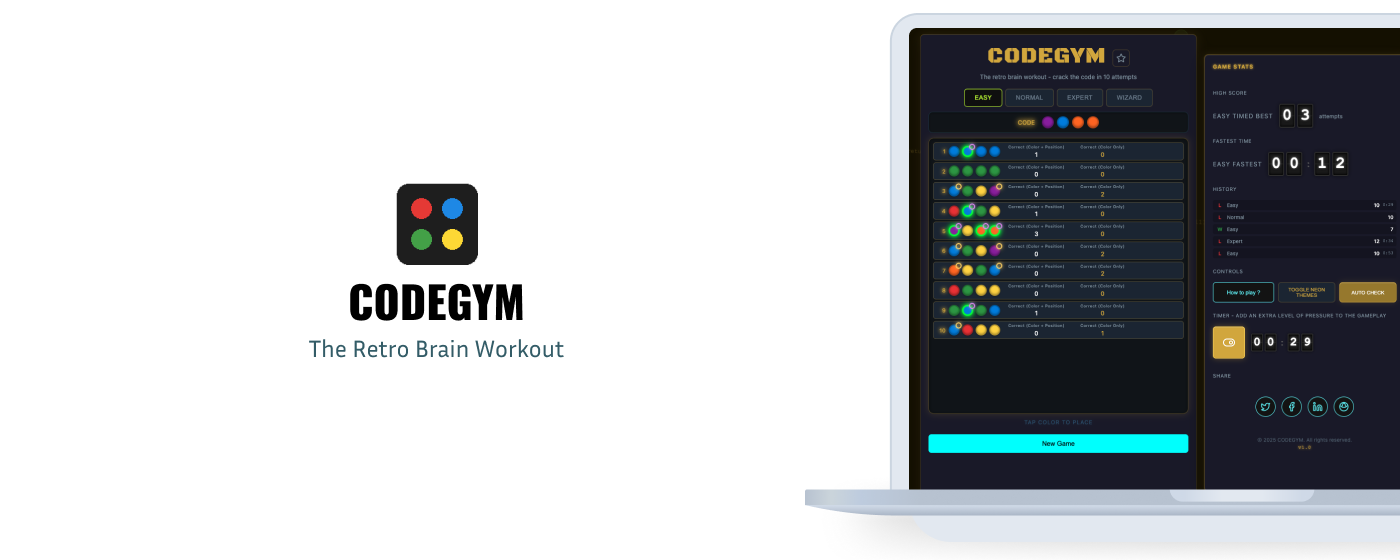
Choose your preferred difficulty level. Each level has different code lengths and attempt limits.
Click colors from the palette to place them in your guess row. Tap any placed peg to clear it.
Click "Check" when all pegs are placed. You'll receive feedback on your guess accuracy.
White numbers show correct color in correct position. Colored numbers show correct color in wrong position.
Use the feedback to deduce the secret code in as few attempts as possible. Challenge yourself to beat your best time.